

Ask Copilot in Power Automate to build you a flow, and it will. Describe what you want in simple terms, and within seconds you get a working automation, triggers, actions, and all. A few years ago this took a specialist a whole afternoon. Today it takes a sentence.
So a fair question follows. If AI can build the flow, what is actually left for a consultant to do?
Building the flow was never the hardest part. The harder part is knowing which flow to build, whether it will still run correctly once a field is empty, a trigger fires twice, or an approval comes in out of order, and whether automating this particular process is worth the effort in the first place. Copilot handles the building well. The rest depends on how well someone understands the process behind it, whether that someone is you, your team, or a consultant brought in to help.
AI can build a flow. Someone still has to define the right one
Copilot works from what you type. If you describe a process clearly, it will translate that description into steps. What it will not do on its own is question the process itself, simply because it was not there to see how the process actually runs day to day.
Say a finance team asks for a flow that automatically approves any invoice under a certain amount. Copilot will build that without hesitation. Whether it should also flag the same vendor submitting five invoices just under the threshold in one week is a judgment call that depends on that company's vendors, its fraud history, and how much risk it is comfortable with. That context has to come from somewhere.
Sometimes a team already has it and just needs to spell it out clearly. Sometimes it helps to have someone sit with the process first and map out where it actually breaks.

Three things worth checking before you automate anything
Whether you are building the flow yourself or asking someone to help, these are the questions that tend to matter most.
Is this process worth automating at all? Some tasks look repetitive but involve enough judgment or edge cases that automating them creates more cleanup work than they save. It is worth checking whether a process has the kind of low variation that makes automation pay off, or whether it still needs a human making the call.
Will this hold up outside the happy path? A flow that works perfectly in a demo can behave differently the first time a field is empty, a date format changes, or two triggers fire at once. Power Automate is a genuinely capable tool, but like any no-code platform it has real limits around error handling and complex conditional logic. Knowing roughly where those limits sit, before running into them in production, comes mostly from having built a few flows before and watched where they broke.
Does this fit inside what you already have? Many companies already run Microsoft 365, so it usually makes sense for the automation to live inside tools they are already paying for rather than adding a new platform on top. Whether that is Power Automate or something else depends on the existing setup, the team's comfort with these tools, and where the company is headed next. It is also worth checking whether the process actually needs a system integration first, since a flow that is supposed to move data between two tools only works as well as the connection between them.
Where a consultant adds something beyond the build
If a team has the time and the process is well understood, building the flow directly with Copilot can be entirely enough. Where a consultant tends to add something extra is in a few specific places.
Process mapping still comes first. Before any flow gets built, someone needs to document what actually happens today, step by step, including the exceptions nobody mentions until something goes wrong. This part has not changed with AI. If anything, it matters more, because a clear description is exactly what a tool like Copilot needs to produce something useful.
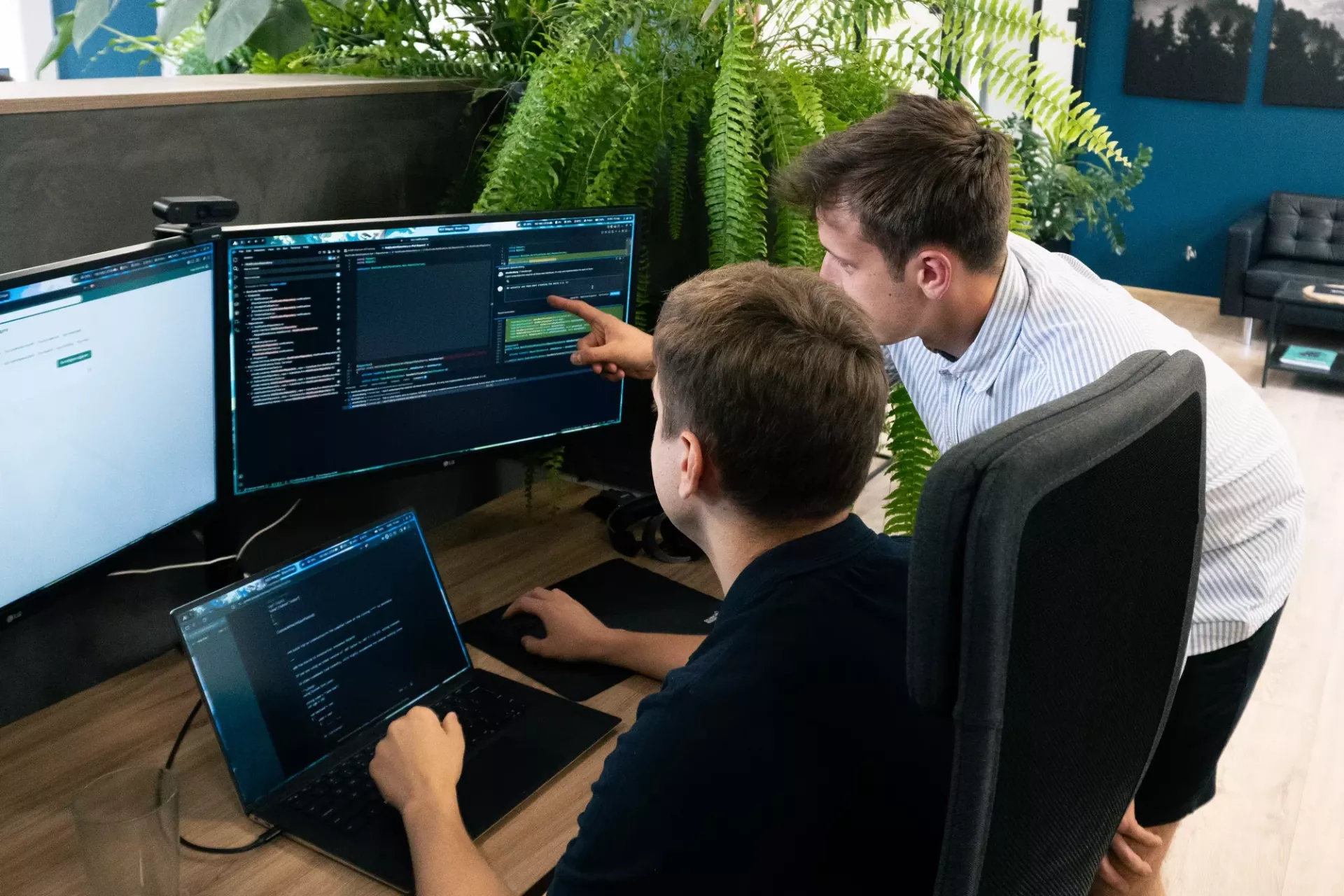
AI works well as a drafting tool. A consultant can use Copilot to generate a first version of a flow quickly, then check that draft against the real process, add the error handling a first pass often misses, and test it against messy, real data instead of a clean example.
Documentation tends to matter more, not less. When flows are easier to produce, more of them tend to get built, by more people. Keeping track of what each one does and depends on is what stops a useful set of automations from turning into a pile nobody fully understands a year later.
Sometimes the most useful answer is "not yet." Because building a flow has gotten so easy, it can be tempting to automate a process before it is clear that it should be automated at all. Having someone weigh in on that, honestly, even if the answer is to wait or do it manually a bit longer, is often worth more than the flow itself.
Whichever way you go
None of this is an argument for or against using AI to build your own automations. If you are still working out where AI fits into a small or growing business more broadly, we have written about that separately. Plenty of teams map a process clearly, describe it well to Copilot, and end up with exactly what they need. Others get further along and realise the process is messier than expected, or they would simply rather have a second pair of eyes before it goes live somewhere important.
Rocksoft is a Microsoft Solutions Partner, so our team works inside Power Automate, SharePoint, and the wider Microsoft 365 ecosystem regularly, using tools like Copilot where they genuinely help and stepping in with more custom logic where no-code reaches its limits. If you already have a process in mind and want to think it through before building anything, our automation services page walks through how we usually approach that, or you can just get in touch and tell us what you are working on.