
I'm not a developer. I don't code, I've never touched a database, and until recently the idea of teaching an AI to do something like this felt way out of my league. But I had a problem, and it turns out that's all you actually need to automate a task with AI.
Here's what was going on. I knew people across our team had knowledge locked away in their heads from months of client work. Developers, project leads, designers, all of them. Things they learned the hard way, mistakes that taught them something, decisions that turned out to be exactly right or exactly wrong. The kind of lessons that could actually help other founders and business owners avoid the same mistakes.
But I never heard about any of it. Not because people were hiding it, they just didn't think about it. They'd solve the problem, move on to the next task, and the lesson would stay buried in a ClickUp comment, or worse, just in their head.
The skill I built without writing a single line of code
I tried the obvious fix first. I asked people to tell me when something interesting happened. Sometimes it worked, sort of.
Someone would mention something in passing, but if I didn't write it down right then, it was gone. Other times I did have it somewhere, just scattered across a dozen different chats and channels, and by the time I actually wanted to use it, I had no idea where to even start looking. Asking them to also remember what might make a good blog post is asking them to do my job on top of theirs, and I didn't want to keep taking their time for something that could just happen on its own.
So I stopped asking people to remember things for me. I automated it instead, using Claude.
I called it Content Radar. It's a Claude skill, which basically means I described what I wanted in plain language, and Claude turned that into something it can actually do on its own. I didn't have to wait for a developer to be free, put in a request, or get budget approved for it. Just a conversation with an AI that already understood our tools well enough to act on them.
How it actually works
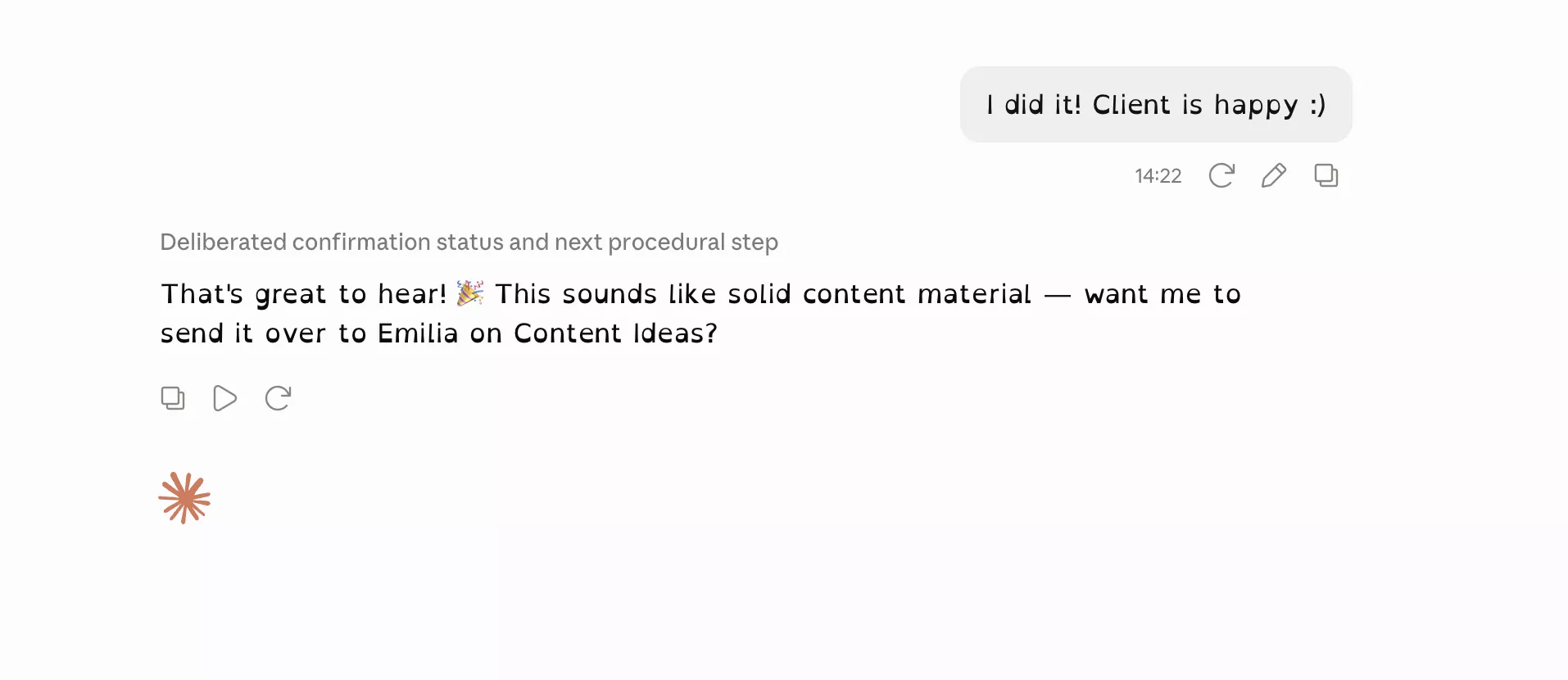
It works by watching our conversations with Claude, since that's where the team already talks through problems, bugs, and decisions all day. When it notices someone solving something worth sharing, a clever workaround, a lesson from a mistake, a piece of vibe coding that paid off, it asks that person one quick question, something like whether they'd be okay with turning it into content.
They answer in a few seconds, and from there it's automatic.
How I actually set it up
Setting it up took less than an hour, and none of it was code. I wrote a prompt explaining who it is, what it does, and what rules to follow. Then came the specifics, what kind of information to catch, what questions to ask, how much of someone's time it's allowed to take, and what it should never do. I tested it, saw what didn't quite work, and adjusted the skill from there.
How to use AI to automate tasks like this in your own business
If you're wondering how to use AI to automate tasks without hiring a developer, look at what I actually did with Content Radar. My problem was small and easy to overlook, people not thinking to tell me about their wins, but it quietly cost us good content every week. I described that problem to Claude in plain language, the same way I'd explain it to a new employee, and let it figure out how to handle the noticing and the reminding part for me.
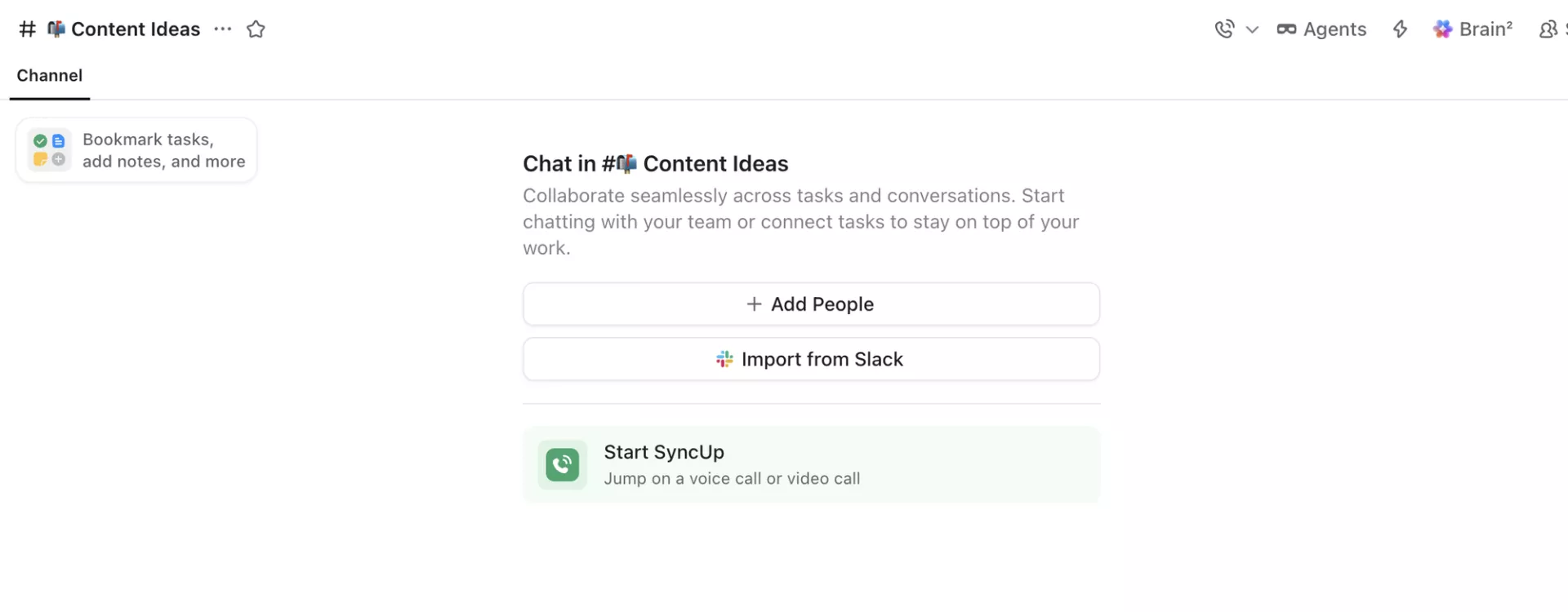
When it catches one of those moments and gets a yes from that quick check-in, it sends the suggestion straight into our Content Ideas channel in ClickUp. Nothing gets published automatically. Nobody's day gets interrupted beyond that one quick question. Whether it's actually worth turning into a video or an article is still my call to make. Content Radar just makes sure the raw material reaches me instead of getting lost.
And nothing changes for the team. They keep working exactly like they always have. No new habit, no extra step, no channel to remember. The automation pays attention in the background so they don't have to think about content at all.
Why this matters for non technical founders
If someone with zero coding background can describe a problem to an AI and end up with Content Radar, that's not a fluke. That's what building with AI actually looks like right now, and it's a lot more accessible than most non technical founders assume. You don't need to learn to code, and you don't need to hire someone before you even know if the idea is worth building.
The important word here is safe. I wasn't just typing prompts and hoping for the best. Content Radar only picks up on conversations that are already happening, it doesn't go digging anywhere it shouldn't, and every suggestion still goes through a human before anything gets published. That's the same principle we apply whenever we help a client vibe code their own internal tool. Move fast, but build it in a way that doesn't create a mess or a risk down the line. Speed without safety just means you're building a bigger problem faster.
Most businesses aren't short on good moments worth acting on. They're short on a system that catches those moments before everyone forgets them. That's true for content ideas, and it's true for a lot more than content ideas. It could just as easily be customer complaints that should trigger a process fix, or project updates that should go out before a client has to ask for them.
If you're a founder wondering what small, repetitive thing in your own business could be automated the same way, that's exactly the kind of thing we like figuring out together in a Discovery Workshop.
What I'd tell a founder starting from zero
If you're reading this and thinking your business is too small, too traditional, or too far from tech for any of this to apply, I'd push back on that a little. I run content for a software house and I still didn't know how to code six months ago. What changed wasn't my skill set. It was realizing that describing a problem clearly is often the hardest part, and that part I could already do.
Start small, the way I did with Content Radar. Pick the one task that quietly annoys you every week, the one you'd fix immediately if you had a developer sitting next to you all day. Then go describe it to an AI assistant like you would to a new hire on their first day, plainly, with real examples of what "done right" looks like. Mine took less than an hour to set up and a bit of testing to get right. Yours might take longer or shorter. Either way, you'll be surprised how much of that first annoying task can disappear without a single line of code ever touching your hands.
If you're staring at a problem like that right now and you're not sure whether it's a five minute AI skill or something that actually needs proper development, reach out and we'll help you figure out which one it is. That's exactly what we do for founders building AI-powered products at Rocksoft.