

Most companies handle a new problem the same way. Someone notices that customer questions are piling up, or that pulling together a report takes half a day instead of five minutes, and the answer is almost always to bring in another AI tool: a chatbot, an assistant, or an agent that promises to make the work lighter.
The trouble is that each of these tools quietly solves its own small piece of the puzzle while ignoring what sits underneath all of them, which is whether the systems they're supposed to help actually talk to each other.
That disconnect is usually the real reason things still feel messy even after the new tool is in place, and it's exactly where system integration services start to matter more than one more AI subscription.
Another AI tool is not always the answer
AI tools are good at generating, summarizing, and drafting. What they are not good at is fixing a data problem underneath them. If your CRM, your accounting software, and your project management tool don't talk to each other, adding an AI layer on top just gives you a faster way to work with disconnected, incomplete information.
The AI tool answers questions quickly, but speed doesn't guarantee accuracy when it never had the full picture to begin with.
The real signs your systems need to talk to each other
Before adding another tool, it's worth checking for a few patterns that show up again and again in growing companies.
People are manually copying data between systems
Someone exports a spreadsheet from one tool and imports it into another every week. This is quiet, repetitive work that rarely gets questioned, but it adds up to hours of time and regular opportunities for mistakes.
Reports don't match
Sales says one number, finance says another, and both are technically right, just based on different, unsynced data sets. Meetings turn into debates about whose numbers are correct instead of decisions about what to do next.
People check two sources before trusting either one
This is the clearest sign of all. When someone habitually opens two tools to confirm the same fact, they've already stopped trusting either system fully, and that usually points to a gap in the data itself rather than in how well anyone was trained.
A new AI tool can't act on your actual data
Many AI assistants and agents only become useful once they can read and write to your real business systems. If your tools aren't connected, the AI tool ends up working with a narrow, static slice of your business instead of the live picture.
Why AI tools need connected systems to do their best work
Every disconnected tool is a separate source of truth. Add an AI assistant on top of five disconnected tools, and you now have a sixth source that summarizes the other five, none of which agree with each other. The chaos doesn't go away. It just gets summarized more confidently.
This is exactly the gap that system integration is meant to close. It's less visible than an AI feature announcement, but it's usually the difference between tools that genuinely support each other and tools that just happen to sit in the same company.
This is the pattern we see most often at Rocksoft: a founder or operations lead adds tool after tool to solve immediate problems, and a year later nobody can say with confidence which system holds the correct version of a customer record, an order, or a project status.
It's not that any single tool was a bad choice. Each one probably solved the problem it was bought for. The issue is that nobody planned for how these tools would work together, so every new addition made the overall system a little harder to trust, not easier.
What system integration services actually solve
Integration work is less exciting to talk about than AI, but it's usually the thing that makes AI tools worth using in the first place.
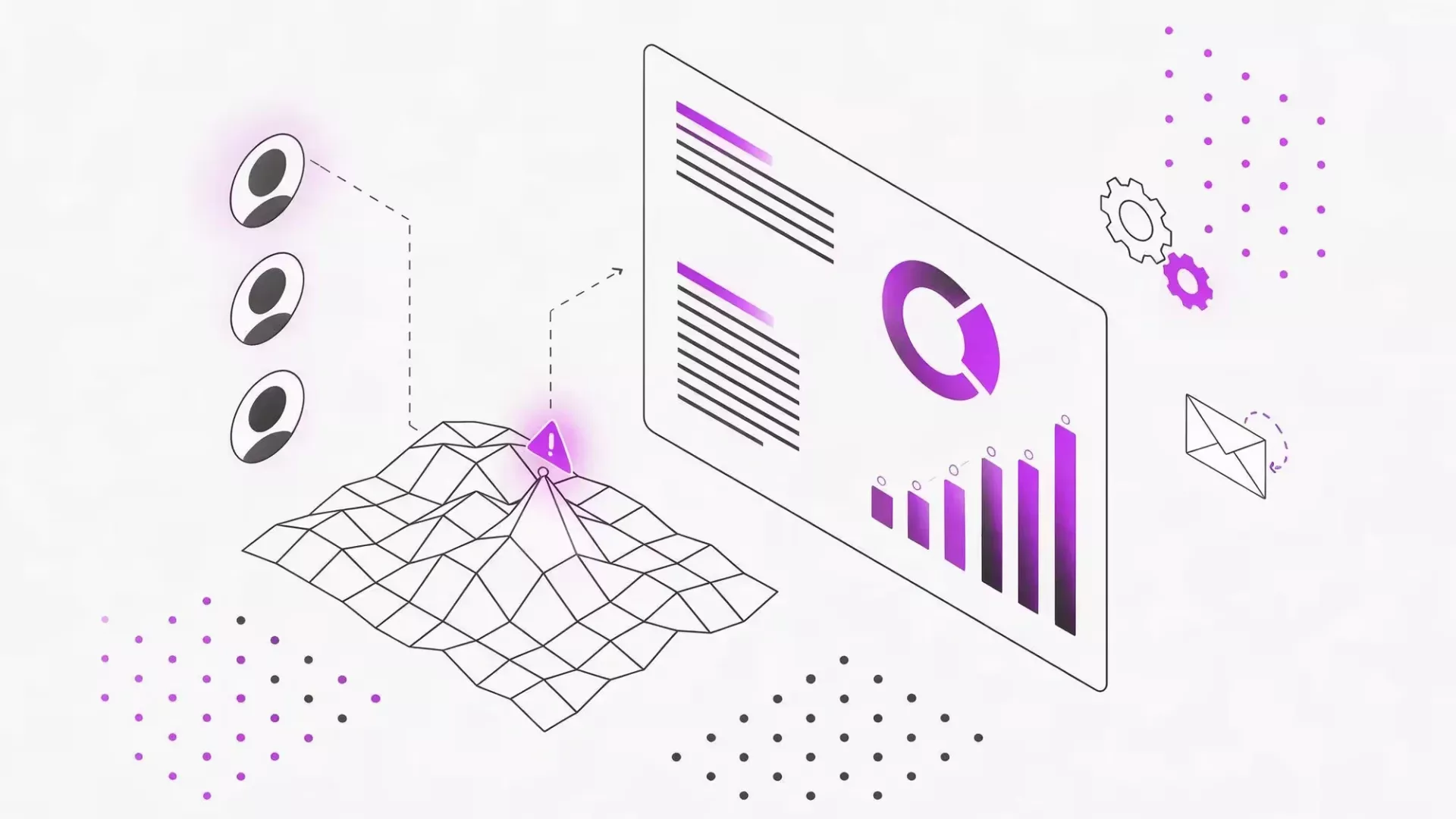
At its core, it means your data moves where it needs to go, without manual work, duplicate entries, or broken handoffs between systems. That can mean:
- Connecting your CRM to your invoicing, email, and reporting tools, so sales and finance work from the same numbers.
- Linking project management, e-commerce, or ERP platforms so an update in one place shows up automatically everywhere else.
- Building a custom connection when no ready-made integration exists, for example between two systems that were never designed to work together.
That's the kind of gap we closed for a client whose customer and project data lived separately in Tripletex and ClickUp, with no reliable sync between the two. You can read the full ClickUp and Tripletex integration case study here.
Once these connections exist, an AI tool built on top of them can actually do useful work: it reads from one consistent, current data set instead of guessing between several outdated ones.
The same logic applies even when a native integration already exists between two of your tools. Native connectors are usually built for the common case, not necessarily yours. They tend to sync a handful of fields, in one direction, on a fixed schedule.
If your business logic is more specific, for example, data that needs to be filtered, transformed, or routed differently depending on the situation, a native connector often reaches its limit fairly quickly. That's usually the point where a custom connection, built around how your business actually works, becomes worth the investment.
What a first step usually looks like
Most companies don't need a full integration project on day one. They need an honest map of what connects to what today, where data currently breaks down, and what that's actually costing in time and errors. That map usually reveals two or three connections that matter far more than the rest, which is a much easier starting point than trying to fix everything at once.
That's usually a short, structured conversation rather than a big commitment. It doesn't require ripping out your current tools or signing up for a long-term project before you know what's actually wrong. If you're not sure whether your situation calls for a small fix or a bigger integration project, a Clarity Session is a good place to start. It's a focused 60-minute session that ends with a clear written summary of the problem, the risks, and a recommended next step, so you know what you're dealing with before spending anything on a fix.
Adding another AI tool can feel like progress, and sometimes it genuinely is. But when your team is already juggling several systems that don't agree with each other, connecting what you already have is often the more valuable next step, so the next AI tool you add actually has something solid to work with.