
Since joining Rocksoft, I've been using AI tools every single day.
Learning how to use AI at work properly took me a while, and the one thing I've learned faster than anything else is this: the quality of what you get out of AI has almost nothing to do with the model you use.
It has everything to do with what you tell it before you start.
What Google just did
Last week, Google published something called the Open Knowledge Format, or OKF.
It's a standard for organizing knowledge as a folder of simple text files that any AI agent can read.
The problem they're solving is real. In most companies, the information AI needs to do useful work is scattered everywhere. In wikis, in spreadsheets, in code comments, in someone's head. When an AI agent needs to answer a question about your business, it has to piece together the answer from dozens of places that were never designed to work together.
OKF is Google's answer: a simple, open format that any team can use to write down what they know in a way that any AI can read. No proprietary system, no SDK, just markdown files with a bit of structure.
For most founders, this is more relevant to data teams at larger companies than to day-to-day work. But the thinking behind it is the same thinking I apply every time I set up a new Claude project.
DefinitionOpen Knowledge Format (OKF)
An open standard developed by Google for organizing and storing knowledge as structured text files that AI agents can read and use. It allows teams to document what they know about their systems, data, and processes in a format that works across different AI tools and platforms.
What Anthropic built
MCP, or Model Context Protocol, is something different. It's not about storing knowledge. It's about connecting Claude to the tools and systems you already use.
MCP is what lets Claude read my ClickUp tasks, browse a webpage, or interact with Webflow. It's the layer that makes Claude an active participant in your workflow instead of just a chat window you copy-paste from.
If CLAUDE.md and project instructions are the briefing you give someone before a meeting, MCP is giving them access to the CRM, the calendar, and the email inbox.
The briefing tells them what to know. The tools let them actually do the work.
What AGENTS.md is
AGENTS.md is a convention that's been growing across teams that work with AI agents. It's a file you put in a project that tells any AI agent working in that codebase what it needs to know: how the project is structured, what rules to follow, what to avoid.
It's the same idea as CLAUDE.md, just more general. Not specific to Claude, but readable by any agent.
At Rocksoft, we use this kind of file when we set up AI-assisted workflows for projects. It's the difference between an agent that works in your environment and one that has to figure everything out from scratch every time.
How these fit together
At first glance it looks like Google, Anthropic, and OpenAI are all solving the same problem. They're not.
They're solving three different problems.
CLAUDE.md and AGENTS.md give an AI agent project context before it starts working. MCP gives it tools to work with in real time. OKF gives organizations a standard format for storing institutional knowledge that any agent can consume later.
A briefing. A toolkit. A knowledge base. Three layers, three different problems, all working together.
What this looks like in practice at Rocksoft
Here's one example of what this looks like in practice. Edwin from our marketing brand Diligently built landing pages for one of our clients in one afternoon. He exported the existing site from Webflow, put it on GitHub, wrote a brief with the project context and the content for four city pages, and let Claude Code build from there.
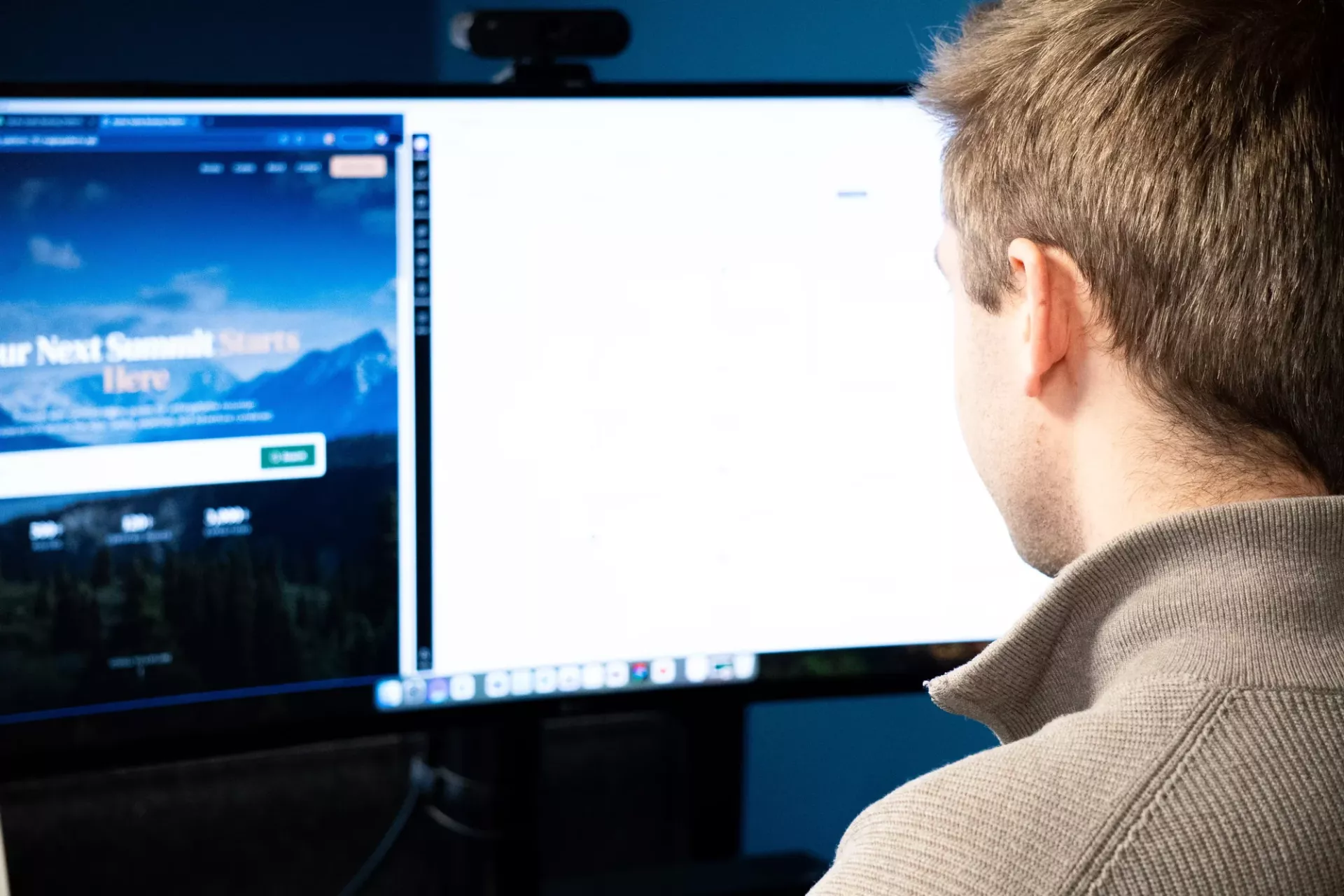
Claude didn't just follow the brief. It added things that weren't asked for, a comparison table, a breakdown by company size, because the context was rich enough for it to understand what the pages were actually trying to do.
That's what good context does. It doesn't just answer the question you asked. It answers the question you should have asked.
I also built my own tool using this same principle. Content Radar is a skill in Claude that monitors team conversations, spots moments that could be worth sharing, and sends me a suggestion in ClickUp. The whole team works normally. If something content-worthy happens, it finds its way to me.
It took one afternoon to set up. It works because I gave Claude enough context to know what to look for and what to do with it.
What I mean by context
When I create a new project in Claude for a client, I don't just open a chat and start asking questions. I write a project instruction first. Who is the client, what do they do, who are they talking to, what tone do we use, what words do we avoid, what has already been done.
How can I be sure I get it right?
Well, that's because every time we start a project, we start with a Discovery Workshop. It gives us a solid foundation and it's a great way to build a knowledge base for this specific client and this specific project.
Once that's in place, every conversation I have in that project starts with Claude already knowing all of that. I don't have to explain it every time. I just work.
The difference is enormous. The same prompt in a project with good context and a blank chat give you completely different results. Not because Claude is different. Because the context is different.
This is something the whole AI industry is figuring out right now. And three big players, Google, Anthropic, and OpenAI, are each solving a piece of it. In different ways. For different reasons.
The thing most people are still missing
Most people use AI like a search engine. You ask a question, you get an answer, you close the tab.
The teams getting the most out of AI right now are the ones treating context as infrastructure. Something you build once, maintain over time, and that makes every interaction that follows faster and more useful.
Google formalizing OKF, Anthropic building MCP, teams everywhere writing AGENTS.md files, these are all the same realization arriving from different directions. The model isn't the bottleneck anymore. The context is.
If you're using AI tools and feeling like the results are inconsistent or shallow, this is usually why. Not because the AI is bad. Because it doesn't know enough about your specific situation to do something genuinely useful.
The good news is that fixing that doesn't require a technical background. It requires the same thing that makes any good collaboration work: taking the time to explain what you actually need.
If you want to use AI in your business the right way - See how we work.