

If you're looking into UX/UI design services, you probably have a few practical questions. What happens at each stage? What will I have in my hands at the end of it? How long will it take? And where does AI fit in?
This article answers those questions, based on how design and development work together at Rocksoft.
We describe the process step by step, but real projects aren't always a straight line. Stages sometimes overlap, and what we learn in testing can send us back to an earlier step. AI makes this even more common: a first prototype can now be ready much sooner, so we can test earlier and improve the design while later steps are already starting. That's normal, and it's exactly why we test early.
Step 1: Discovery
What happens: Every project starts with understanding, not drawing. We talk with you about your business, your goals, and the problem the product needs to solve. We look at any existing product or data, learn who the users are, and check what competitors do.
This is also where we decide what the product must do first and what can wait. A clear list of priorities saves a lot of time later, because everyone knows what the first version is really for.
It's natural to want to see how the product will look as soon as possible. The final look is what everyone will notice, so it feels like the most important part. But the early conversations and research are where we learn who the product is for and what it really needs to do. That's why we take time for them first. A design built on that knowledge solves the right problem, instead of only looking good.
What you get: A clear picture of your users: who they are, what they want to do, and what gets in their way.
Step 2: Wireframes
What happens: Now we sketch the structure of each key screen: what goes where, and how a user moves from one step to the next. There are no colors, fonts, or images yet. This is on purpose. Without visual details, the conversation stays on the logic of the product, and not on whether someone likes a shade of blue.
We go through the main user paths one screen at a time and check: does the user need this now or later, do they have enough information, is the order logical, and is it clear what to do next? If not, we change the layout before moving forward.
This is the best moment for changes. Here we can try different versions of a layout and compare them before anything is built.
What you get: A set of simple screen layouts that show the main paths through your product.
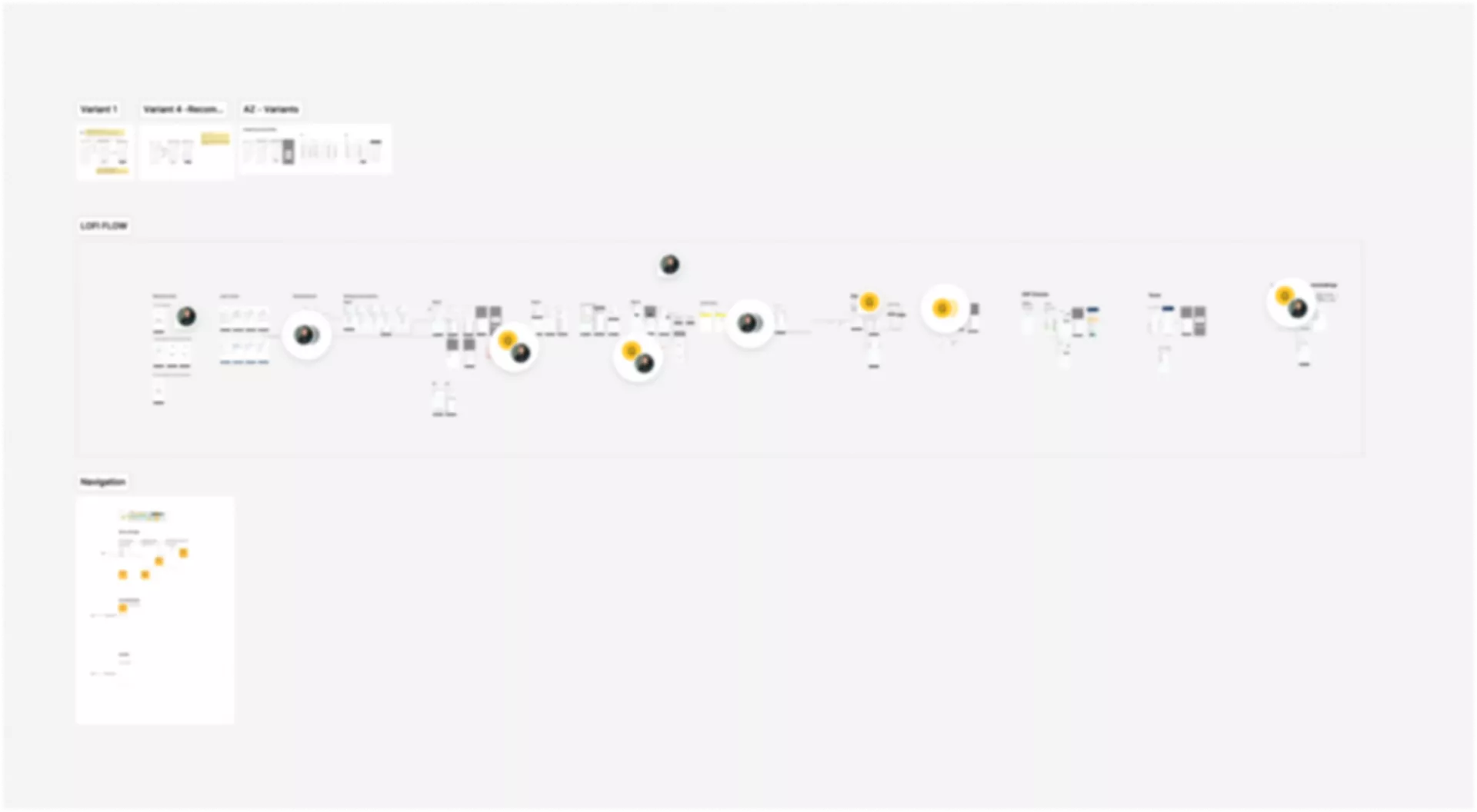
Step 3: Interactive prototype and testing
What happens: We turn the wireframes into a clickable prototype that feels like a real product, even though nothing is built yet. Then we test it, ideally with real users, or at least with people who haven't seen it before. We watch where they hesitate, where they get lost, and what they expect to happen next.
One thing a prototype shows very quickly is what is unclear or still missing. When a product is only on paper, it's hard to see every gap. Once you can click through it like a real product, you notice what needs a better explanation and what is not there yet. These things are easy to fix at this stage, and much harder after development has started.
After testing, we go through what we found, decide what to change, and update the prototype.
What you get: A prototype you can click through, plus a list of findings and how we'll address them.
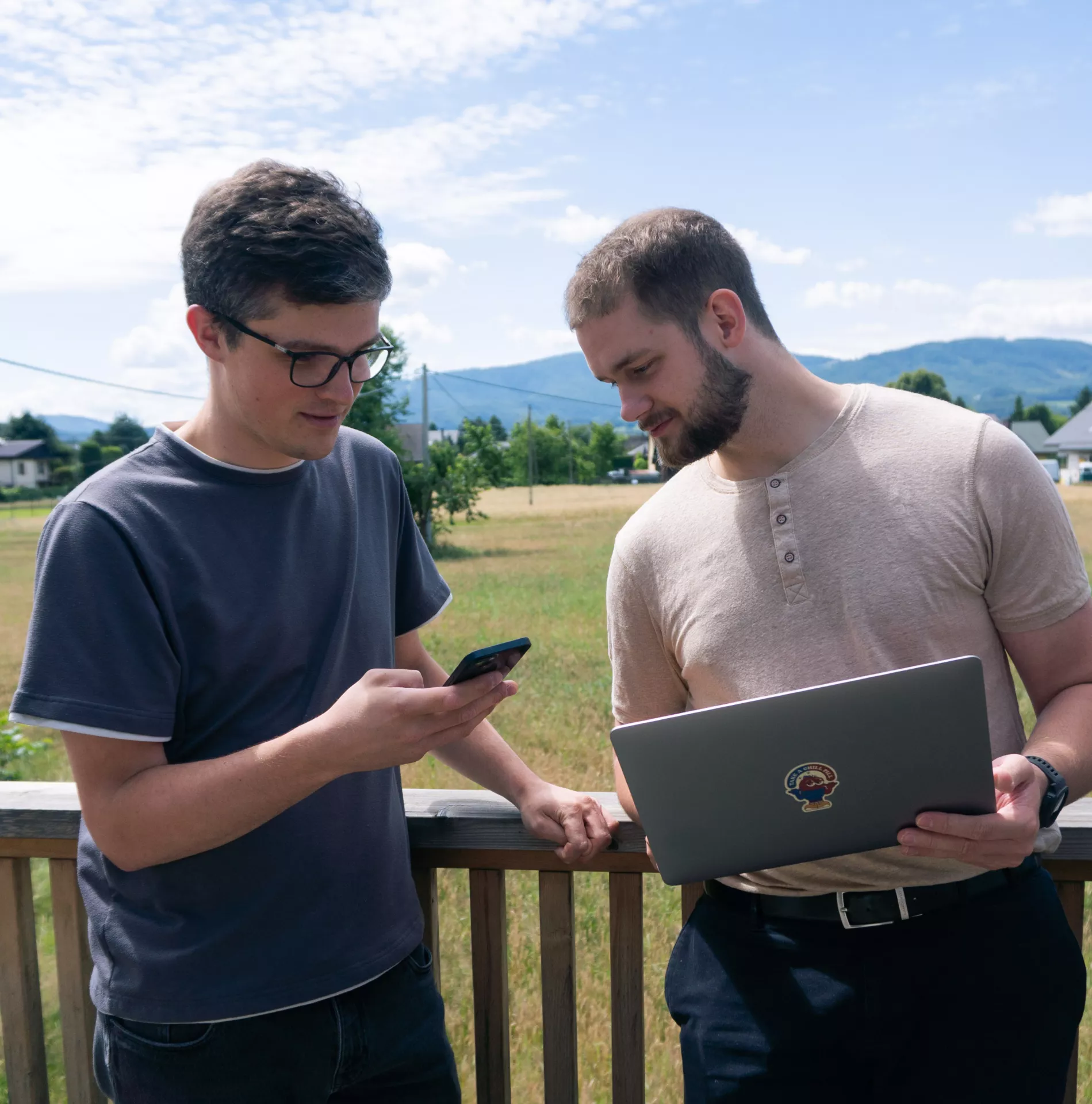
Two team members checking a product on a phone and a laptop.
Step 4: Final UI design
What happens: Now we add the visual layer: colors, typography, icons, and spacing, all matching your brand. We also build a small set of reusable components, like buttons and form fields, so the product stays consistent as it grows and new screens can be added faster.
What you get: Finished screens ready for development, plus a style guide your team can keep using.
Step 5: Handoff and development
What happens: Because design and development happen under one roof, developers don't receive a finished file and have to guess the intentions behind it. Designers stay involved while the product is built, answer questions, and check that the result matches the design. This removes the most common problem in projects split between separate companies: a gap between what was designed and what gets built.
What you get: A working product that matches the design you approved.
How long does it take?
This is the question we hear most, and the honest answer is: it depends. The main factors are the number of screens, how complex the product is, how many types of users it has, and how quickly feedback moves between you and the team. A small tool and a large platform are very different projects. After discovery, when we understand the scope, we can give a much more realistic estimate than anyone could give before.
Where AI fits in
AI helps us at every stage described above, and it makes the work faster. In discovery, it speeds up organizing notes and scanning the market. In wireframes, it helps us explore several layout ideas quickly. In prototyping, it shortens the time to a clickable version, so testing can start sooner. In UI design, it can produce first visual drafts in hours instead of days. And in handoff, it takes over routine tasks like documentation.
AI has a lot of knowledge and helps us in many ways, but at Rocksoft a person decides. We design products that people will use, and we want to keep it that way: human to human. AI doesn't know your customers, and it can't feel when something is confusing or frustrating. Our designers can, so the thinking and the final call stay human.
What good UX/UI design services give you
Good UX/UI design services give you clarity at every step: what's happening and what you'll receive. The process works when each stage builds on the one before it, from honest research to a tested prototype to a product people can actually use.
Beyond design and development, Rocksoft also runs a dedicated AI Engineering track, helping clients integrate AI into their own products. If you're planning a digital product and want to get the process right from day one, we'd be happy to talk it through.